
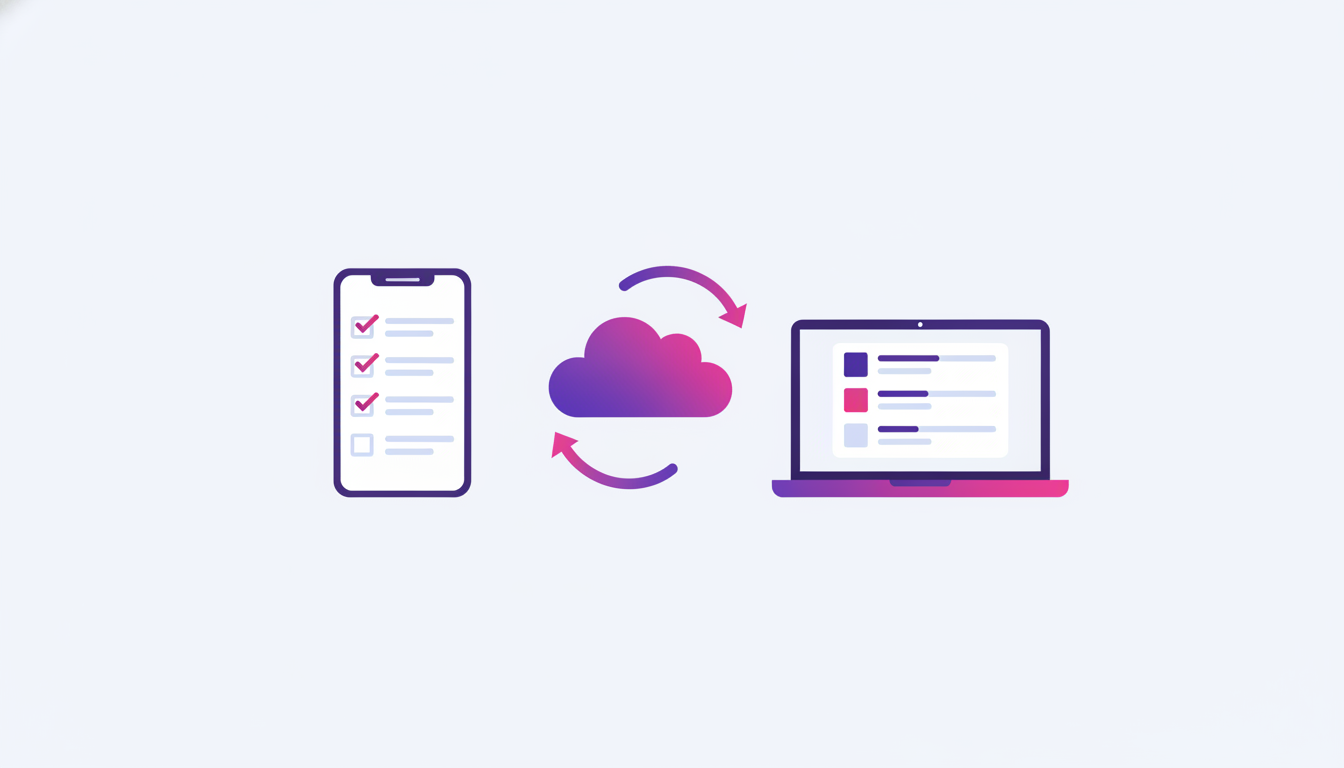
Todo list that remembers — even when you switch from phone to laptop
The difference between localStorage and a real database: why your TODO must use nocodeon.db if you want to access it from another device.
The most common TODO app the AI builds looks great until you open it on another device. Then — empty. Why? localStorage only works in one browser, on one device.
This article shows you how to build a TODO that actually remembers — no matter where you open it from.
Three levels of “memory” in web apps
| Level | Stores | Visible where | When it disappears |
|---|---|---|---|
| Memory (RAM) | While page is open | Only in that tab | Refresh or close |
| localStorage | This browser, this device | All tabs in that browser | History clear / incognito |
| nocodeon.db | Cloud database | Any device, any browser | You delete it |
Bad prompt
Build me a TODO listThe AI will build the simplest solution — localStorage. It works great until you try it on another device. Then the “it doesn't remember me” frustration starts.
Good prompt
Build me a TODO list with these rules:

• Each task has: text, due date, and done status.
• I can add, mark complete, and delete.
• DATA MUST BE IN nocodeon.db (not localStorage)
  because I want to open the list from both phone and laptop.
• Anonymous guest mode — if I'm not logged in, use
  nocodeon.auth.signInAnonymously() automatically. I can
  log in with Google later if I want.
• Filters: "all", "todo", "today", "this week".
• When I mark complete, animate it.
What you get
- A TODO that survives: page refresh, browser close, switching devices, even a full OS reinstall (because data is in the cloud tied to your account)
- Anonymous signup — no one has to create an account to try it. Only if they want data to persist (beyond 30 days) do they upgrade to a Google account
- Real-time sync (if you open the list in two tabs, an edit in one shows up in the other)
Why nocodeon.db is simpler than Firestore directly
The classic path: create a Firebase project, add the SDK, configure auth, configure rules, define composite indexes… an hour of setup before you can start.
nocodeon.db abstracts all that. The SDK loaded on every published site gives you:
nocodeon.db.collection('todos').add({ text, due, done });
nocodeon.db.collection('todos').list({ limit: 100 });
nocodeon.db.collection('todos').delete(id);
Under the hood it's Firestore with namespace isolation — each project has its own collection, doesn't mix with other users' data. Auth, rules, indexes — we handle everything automatically.
Next step: shared TODO with family
Once you've mastered the solo version, ask: “I want to share this TODO list with family members. Everyone sees and can edit the same tasks. When someone marks a task complete, I see it instantly on my phone.”
This requires real-time listeners via nocodeon.db (Firestore onSnapshot under the hood). The AI can build this in seconds — but only if you tell it you want real-time. Otherwise it'll give you a static refresh-on-load variant.